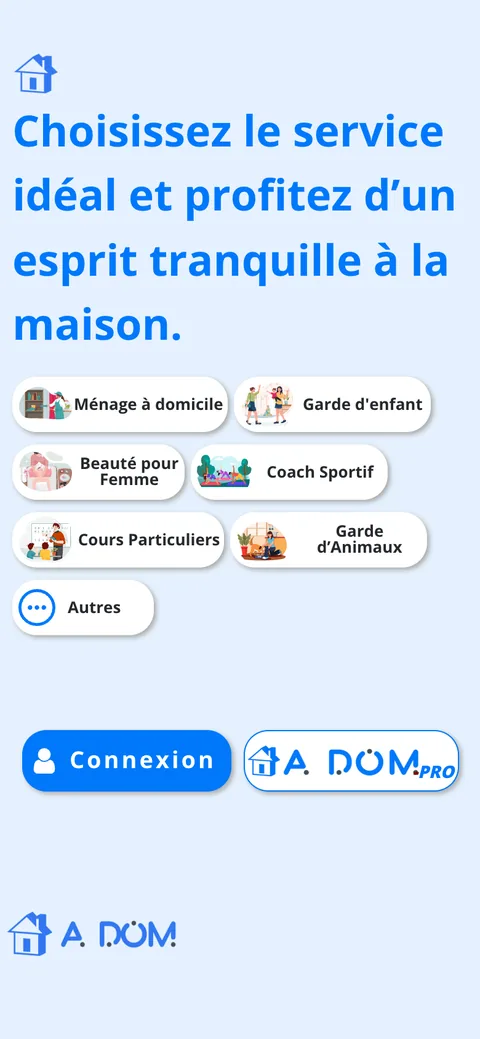
In short. Booking regular cleaning on AdomApp (adomapp.com) takes a few steps. Here is how to approach them to get useful replies. The quote is free, payment comes after the service.
Choose the service
Start from the page of the service concerned (housekeeper). It opens the request.
Describe the home
Type, surface, rooms, pets, general state. The clearer you are, the fairer the replies.
State the rhythm
Once a week, every fortnight, to be agreed: say what you want.
Compare replies
Compare what each proposes: tasks, equipment, days. Do not look only at the amount.
Confirm and pay afterwards
When you have chosen, confirm. Payment comes after the service.
Going further
- See the “housekeeper” page
- Housekeeper in Casablanca
- Housekeeper in Marrakesh
- All cleaning guides
- Are you a professional? Become a pro with Adom
Related reading
- Regular home cleaning: what a visit really includes
- Regular cleaning: the checklist to prepare before the first visit
- Regular home cleaning in Morocco: what does it cost and how do you get a quote?
Frequently asked questions
Do I need an account to request a quote?
Follow the steps the application offers.
Can I edit the request after sending?
Write to the professional to adjust.
What if nobody replies?
Rephrase or widen the possible days.